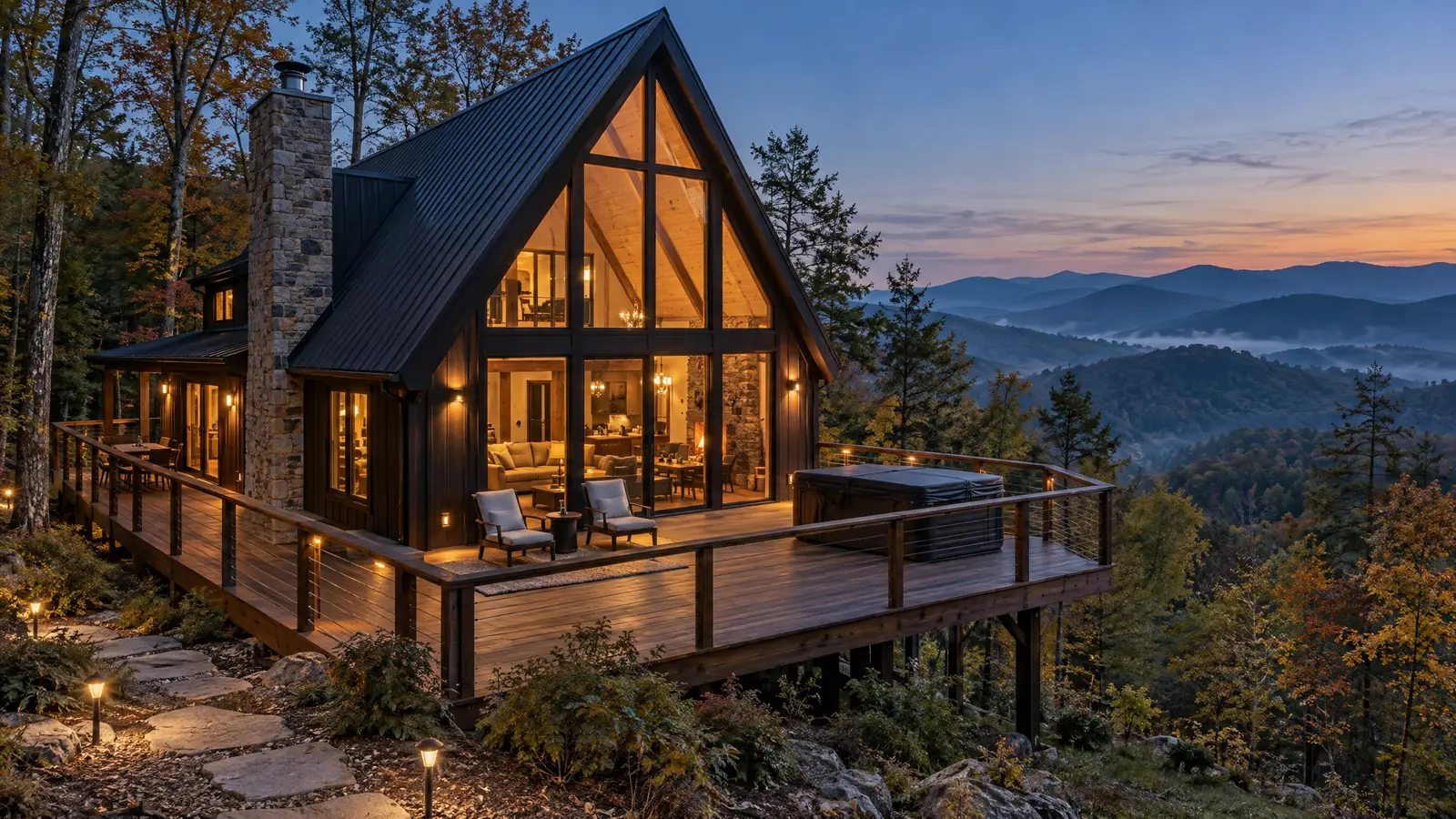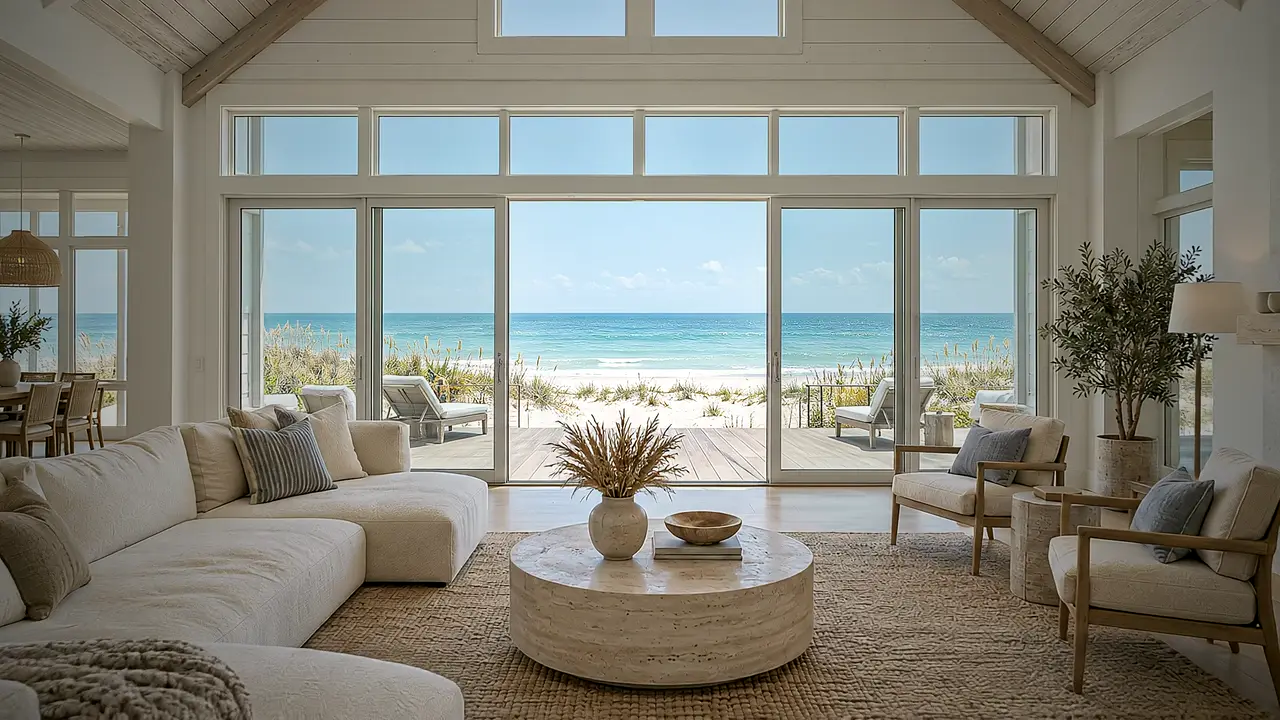
Dune house · Gulf Coast
A glide through the living room toward the open doors and the water.
Sample property · AI-visualized
30A · Seaside, Rosemary Beach, Alys Beach, WaterColor, Santa Rosa Beach
On 30A, the house and the walk to the beach are the whole pitch. We turn your listing photos into a calm, bright walkthrough that moves from the street to the porch to the rooms that face the water, ready for your booking site and your feed.
AI-visualized from your real photos · No drone, no shoot · 48-hour delivery
Sample property · AI-visualized
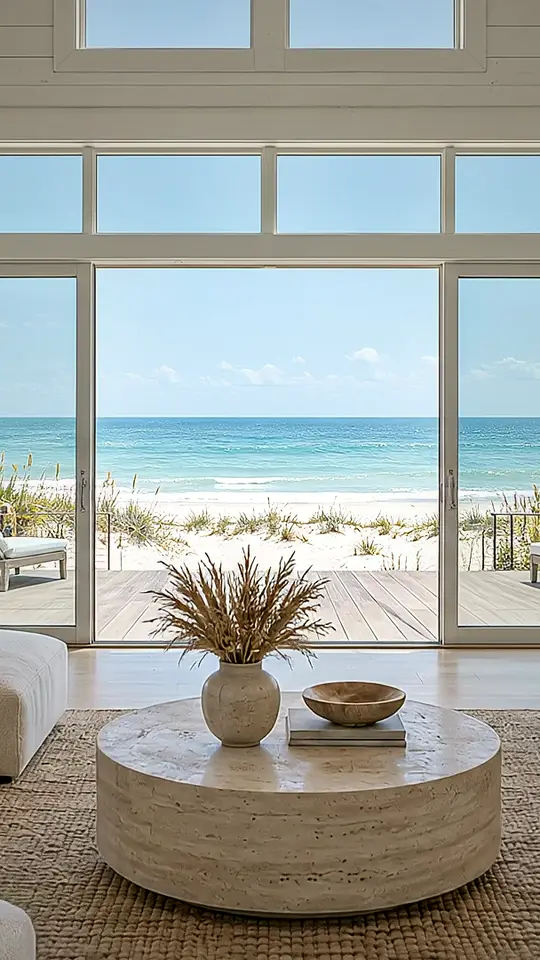
A sample property shown as the widescreen master and the vertical cut. Yours is built only from your own listing photos.
No shoot to schedule and nobody at the door. You send what you already have; we send back a film.
How we make it, in detailShare 10–25 listing photos, your room order, your top 3 features, and a music vibe.
We plan the route a guest would take: arrival, front door, then room by room.
Your first cut lands within 48 hours. Love it, ask for a revision (Signature), or take a full refund.
Post the vertical cut to Reels and TikTok, and put the master on your booking site and YouTube.
One price per video, paid up front, with nothing added at checkout. Start with a free sample if you want to see your own property first.
Compare plans in detail$99one video
One property, one clean cut.
$199one video
The full set for a listing you want to lead with.
Twice the film for $100 more, plus the teaser, stills, and a revision.
Founding clients pay $159.20. 10 spots at that price.
Choose Signature$499per month
For portfolios that need a steady, matching look.
Works out to $99.80 per Signature video, half the price of buying Signature one at a time.
Renews automatically at $499 a month until you cancel. Cancel anytime by email. Unused videos don't roll over.
Choose Property ManagerPay securely with Stripe
You get a receipt by email and land on your start page.
Upload photos, fill a 2-minute form
10–25 photos to a private folder, plus room order, top 3 features, and a music vibe.
First cut in 48 hours
Sent to your email. Love it, revise it (Signature), or get your money back.
Full refund if you don't love the first cut.
Single and Signature: tell us within 7 days of delivery and we refund the full amount to your card. Property Manager: we remake or credit any video you don't love, and your first month is fully refundable. Read the refund policy.
By checking out, you agree to our terms and refund policy. Prices are in US dollars. The Property Manager plan renews automatically at $499 a month until you cancel.
Secure checkout by Stripe
No. It's AI cinematography built from your real listing photos, so no shoot, drone, or site visit is needed.
No. We don't add rooms, views, furniture, or amenities, and we don't hide anything either. If it isn't in your photos, it isn't in your video. That keeps it accurate for guests and safe under listing policies.
Yes. Vrbo lets owners upload a video to their listing (Property, then Edit property, then Video). Every order includes a free Vrbo cut built to Vrbo's video rules: 15–60 seconds, MP4, no music, and no text on screen. Vrbo checks each video by hand before it goes live and is still rolling the feature out, so approval and timing are up to Vrbo.
Not in the listing itself, because Airbnb's gallery is photo-only. Use it on Vrbo, your direct-booking site, Instagram, TikTok, YouTube, Facebook, and in guest messages.
10–25 photos, the order of the rooms, your top 3 features, a music vibe, and your logo if you want it on the end card.
You do, with full commercial use. Post it, run it as an ad, put it on your site.
Send 3–5 photos of your 30A rental and get a free 10-second sample within 48 hours. No card needed.
Sample property · AI-visualized